
The all-in-one workshop management software
Connect every part of your business
“Best workshop software product and team.”
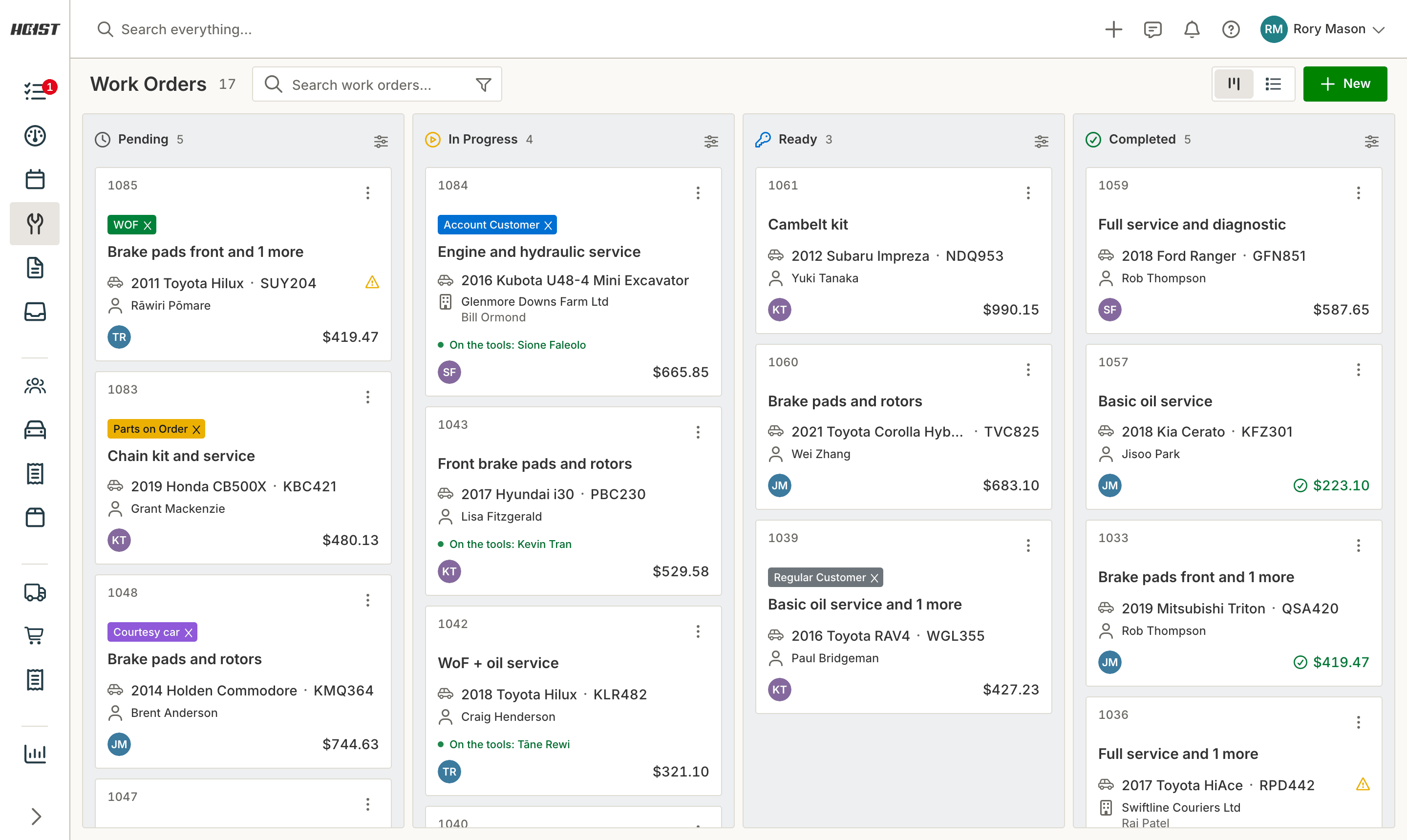
The whole job on one card
Customer, vehicle, labour, parts and notes live on one job card that the front desk and the workshop floor both work from.
Job cards and estimates. Start from a template for your everyday work, then add labour and parts. The margin shows on every line.
Approvals from a link. Send the extra work to your customer. They tap Go ahead or No thanks and the job card updates while you wait.
Clock on, and the job moves. The status changes as a technician clocks on and off, so nobody has to ask where a job is up to.
Parts and stock. Stock is reserved and deducted on its own as parts go on the job.
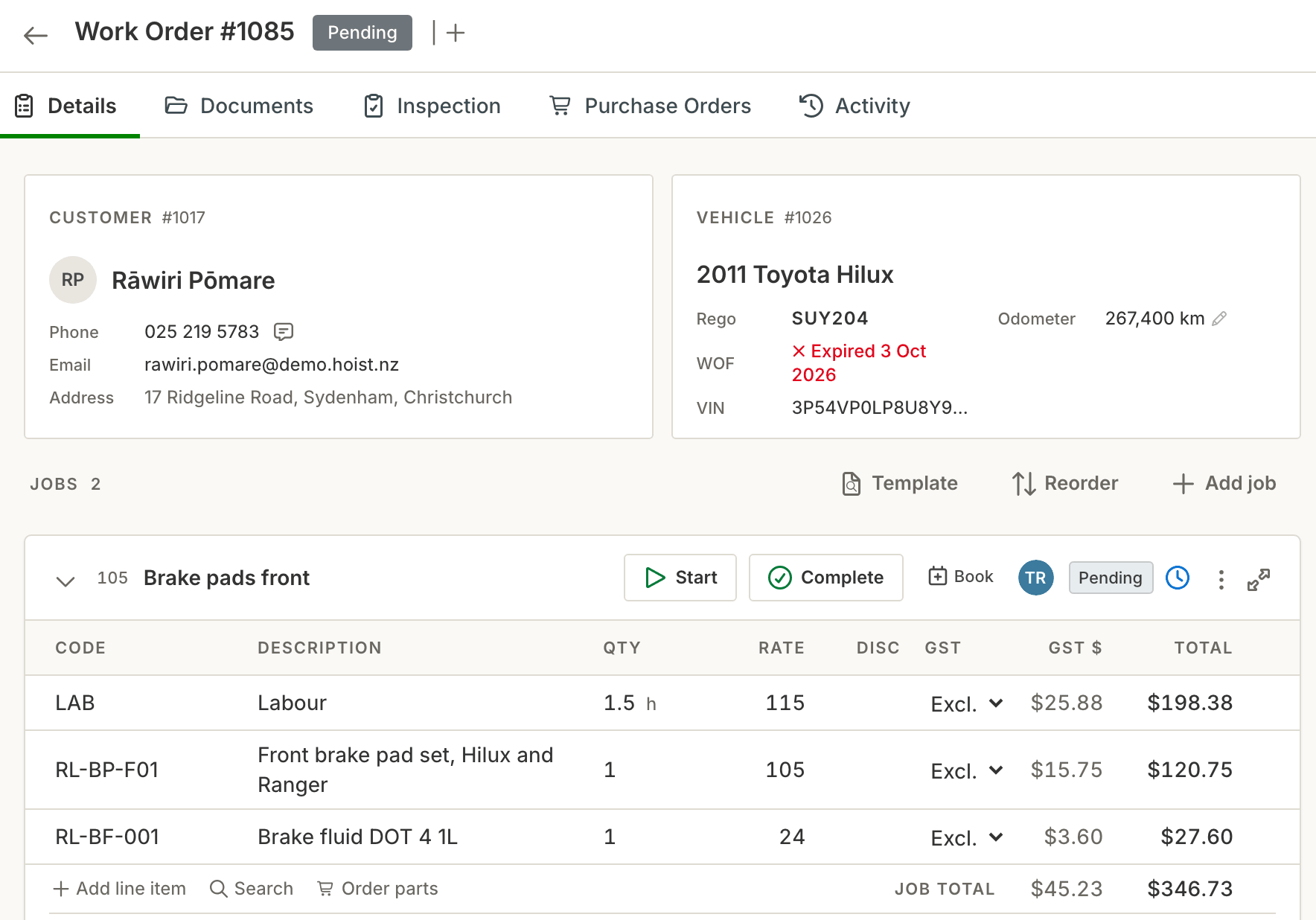
Get paid without chasing it
The invoice comes straight off the job card with the labour and parts already on it.
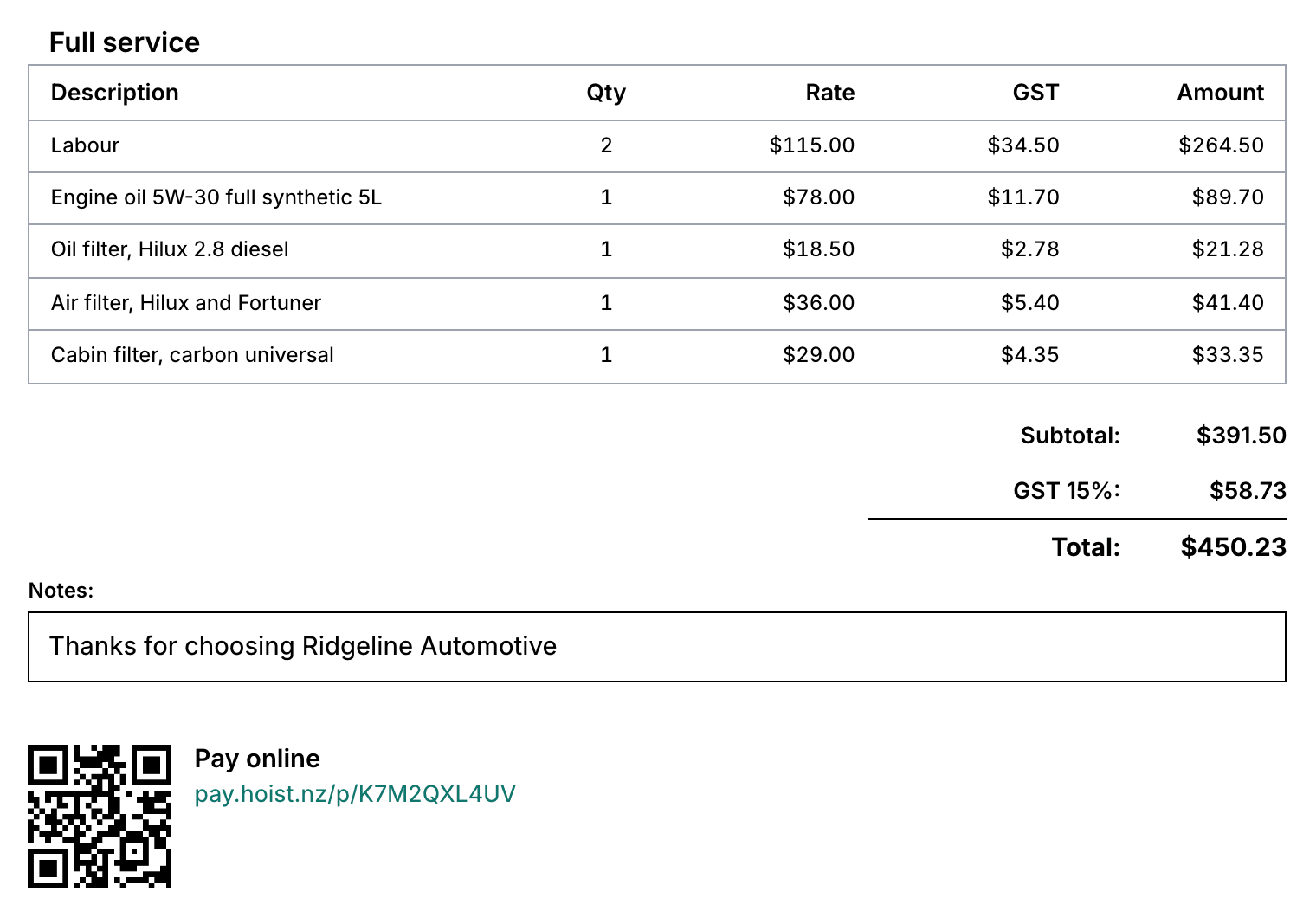
Pay by QR code or link. With HoistPay on, the invoice carries a QR code. Your customer scans it and pays by card on their phone, and Hoist marks it paid.
Deposits and part payments. Take some now and the rest later, and Hoist keeps track of what is still owing.
Account customers. Payment terms and statements for the customers you bill monthly.
One payment, several invoices. When a customer pays for a few jobs at once, clear them all in one go.
Keep the diary full
Hoist keeps the WoF or CoF date on each vehicle and reminds the customer when it comes round.
WoF and CoF reminders. Sent by text or email on their own, so nobody has to run through a list.
Service reminders. Set the date when the job is done and the reminder goes out when it comes round.
Online booking page. Customers pick a time from a link on your website.
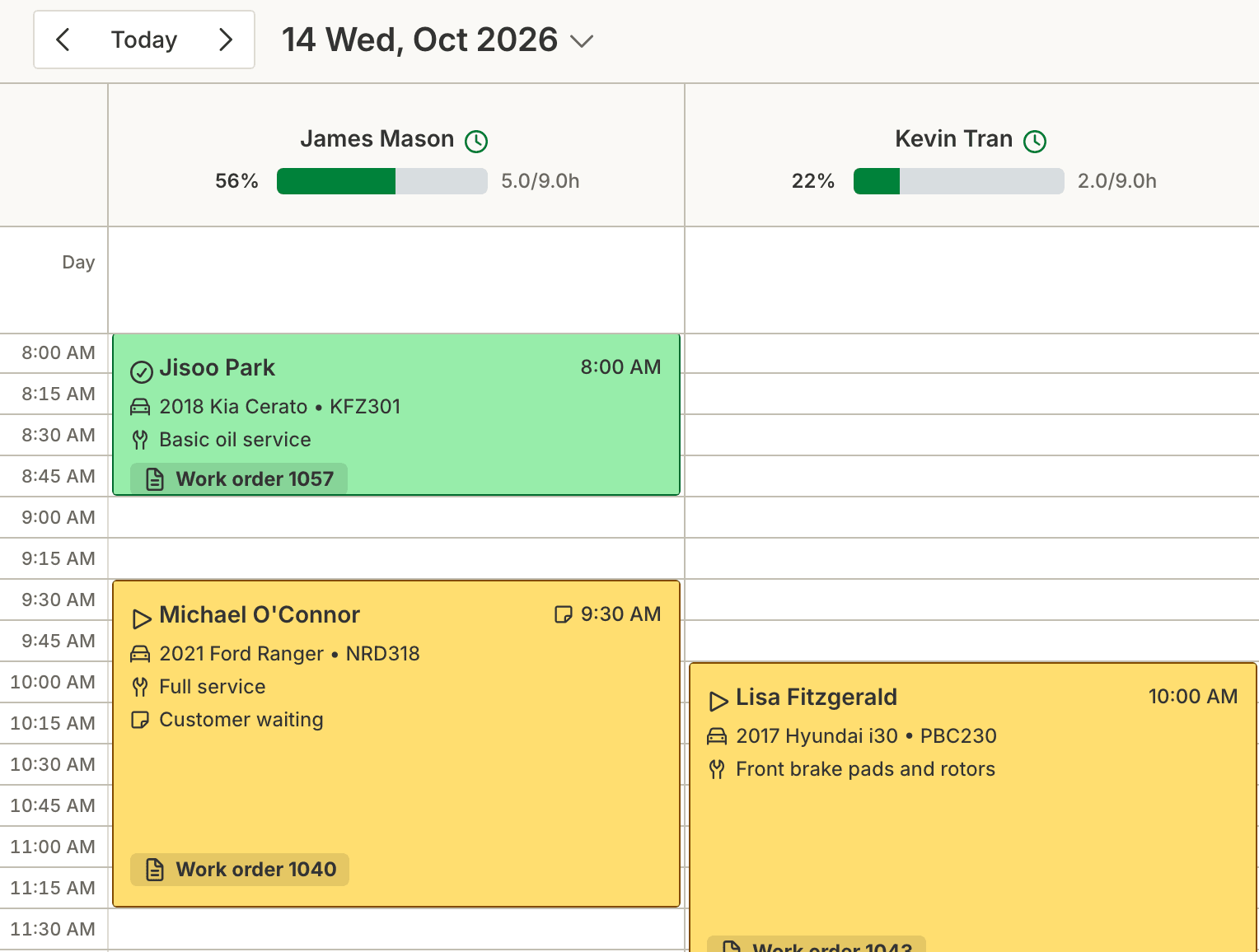
A calendar per technician. See who is free at a glance, and drag a booking to move it.
In their words
Automotive businesses across New Zealand run their day on Hoist. This is what they say about it.
Hoist has solved a lot of the problems we were facing as a tyre workshop. We had struggled to find workshop software that truly suited the way an automotive business runs, especially one with both workshop and mobile tyre work. Then Hoist came along and filled the gaps our previous system was missing. It has made our day-to-day processes smoother, helped us stay more organised, and given us a system that actually works with us rather than against us. To top it all off, it is reasonably priced, easy to use, and backed by a team who genuinely listen to feedback. For a busy tyre business like ours, Hoist has been a game changer.
 RachaelKeen As Tyres, Timaru
Best workshop software product and team. If there's an issue, or like me sometimes you don't know where to click, flick them a message and you get a reply, unlike some other software providers who take days or never get back to you. The software is easy to use, straightforward, and constantly improving.
 KirstineAdvance Automotive, Palmerston North
I have been using the Hoist software in the workshop for a few months now and it is great. I can quickly add customers and vehicles, and create work orders in a flash using templates for common jobs, which is much better than the old invoice system we were using. It's quick and easy to communicate with customers: a couple of mouse clicks when the job is done and they get a personalised text message.
 KyleIn Tune Autos, Timaru
Awesome team, always willing to go out of their way to answer questions and check in on how everything's going. Awesome software, and the team is always listening to our suggestions and seeing how they can incorporate them into a system that truly works for our small workshop. Absolutely recommend.
 JoJos Automotive, Ruakaka
Built for every kind of automotive business
Whatever comes through the door, the vehicle, the job and the invoice work the same way.
Workshops
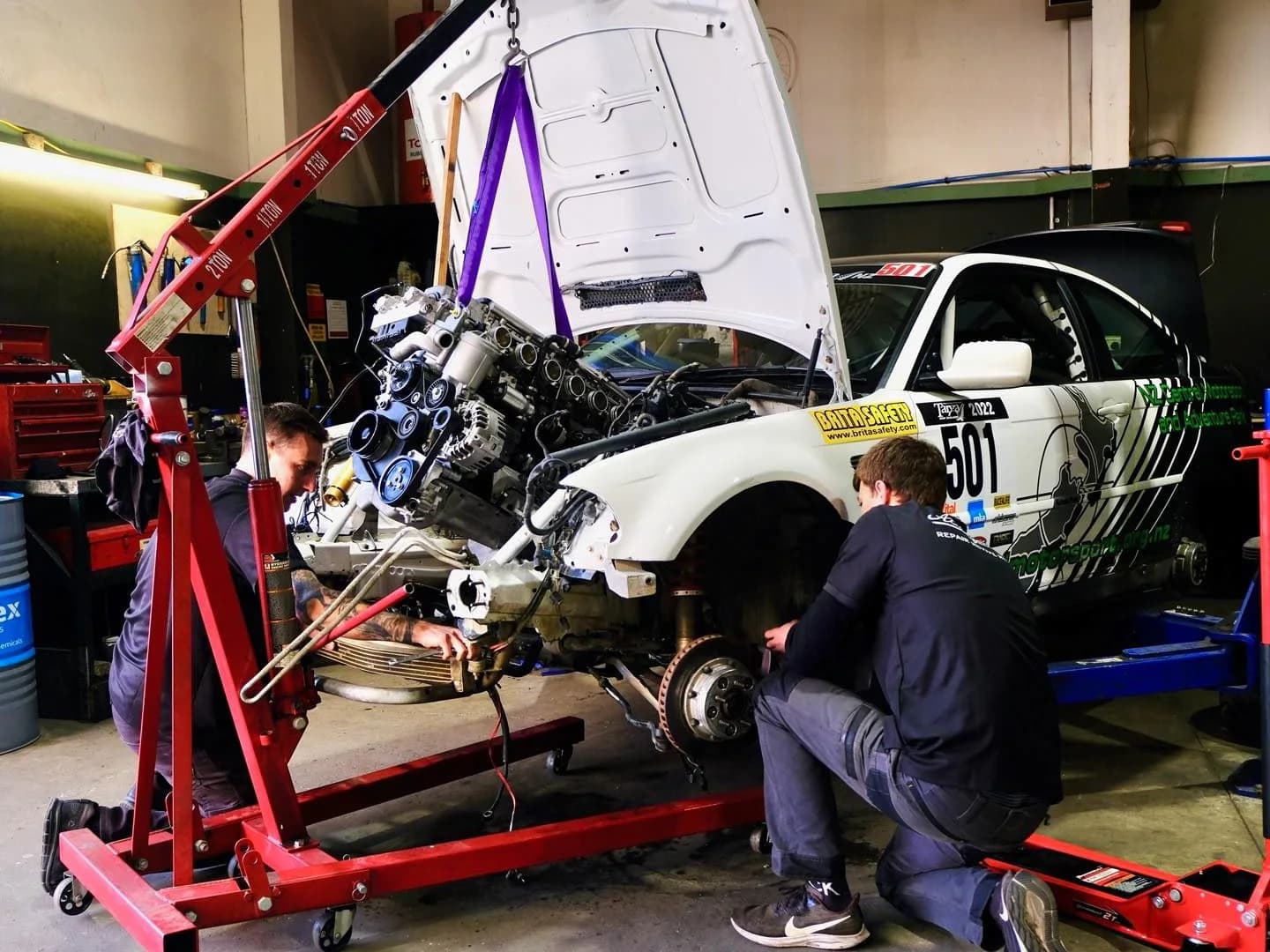
Job cards, bookings, invoicing and reminders for servicing, repairs and WoFs.

Tyre shops
Job cards in seconds at the counter, tyre stock counted as it goes onto jobs, and payment taken from the job.
Truck and fleet
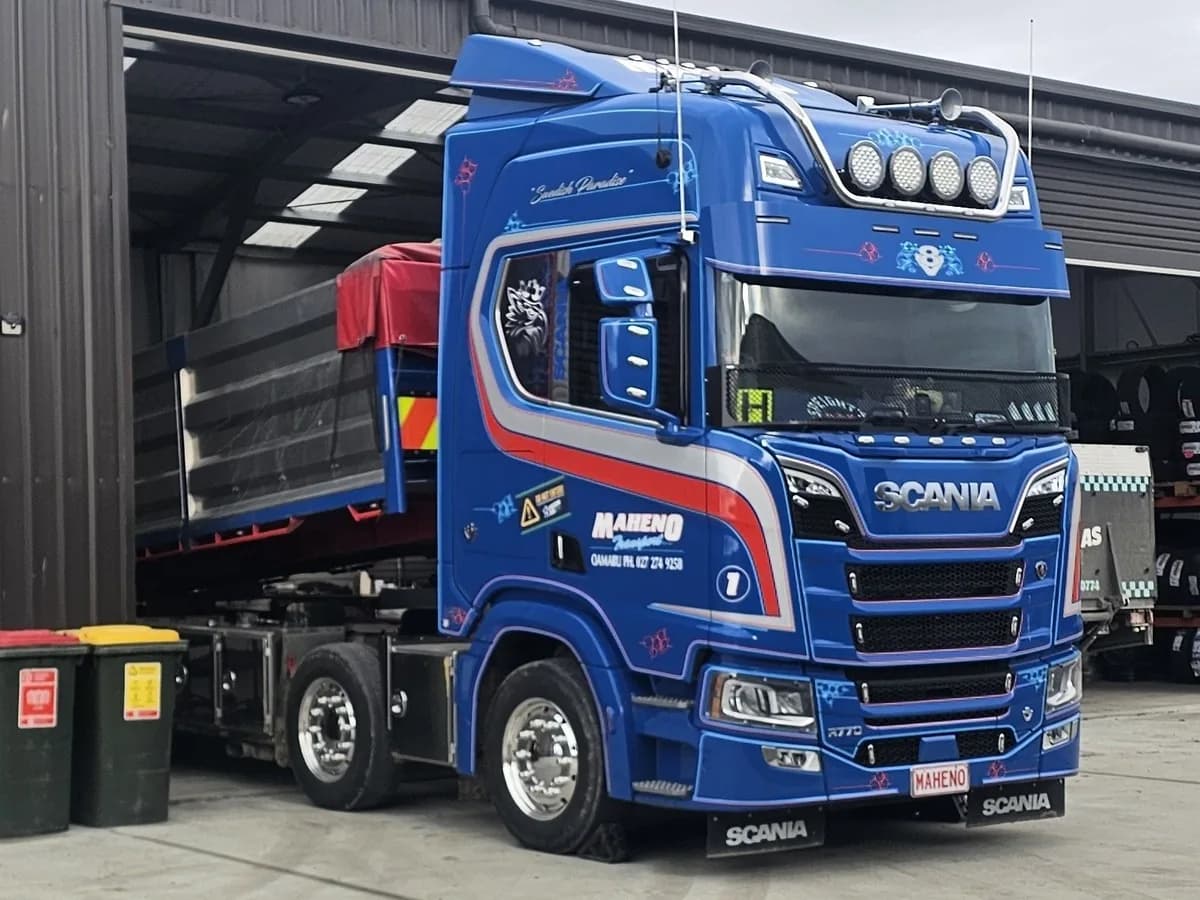
CoF reminders for every vehicle, readings in kilometres, hubodometer or hours, and account billing for fleet customers.

Mobile mechanics
Add the job and photos, then invoice and take payment from a phone or tablet at the customer’s place.

Machinery and ag
Record tractors, diggers and plant by VIN or chassis number, and track hours, kilometres or miles for each.
Motorcycles
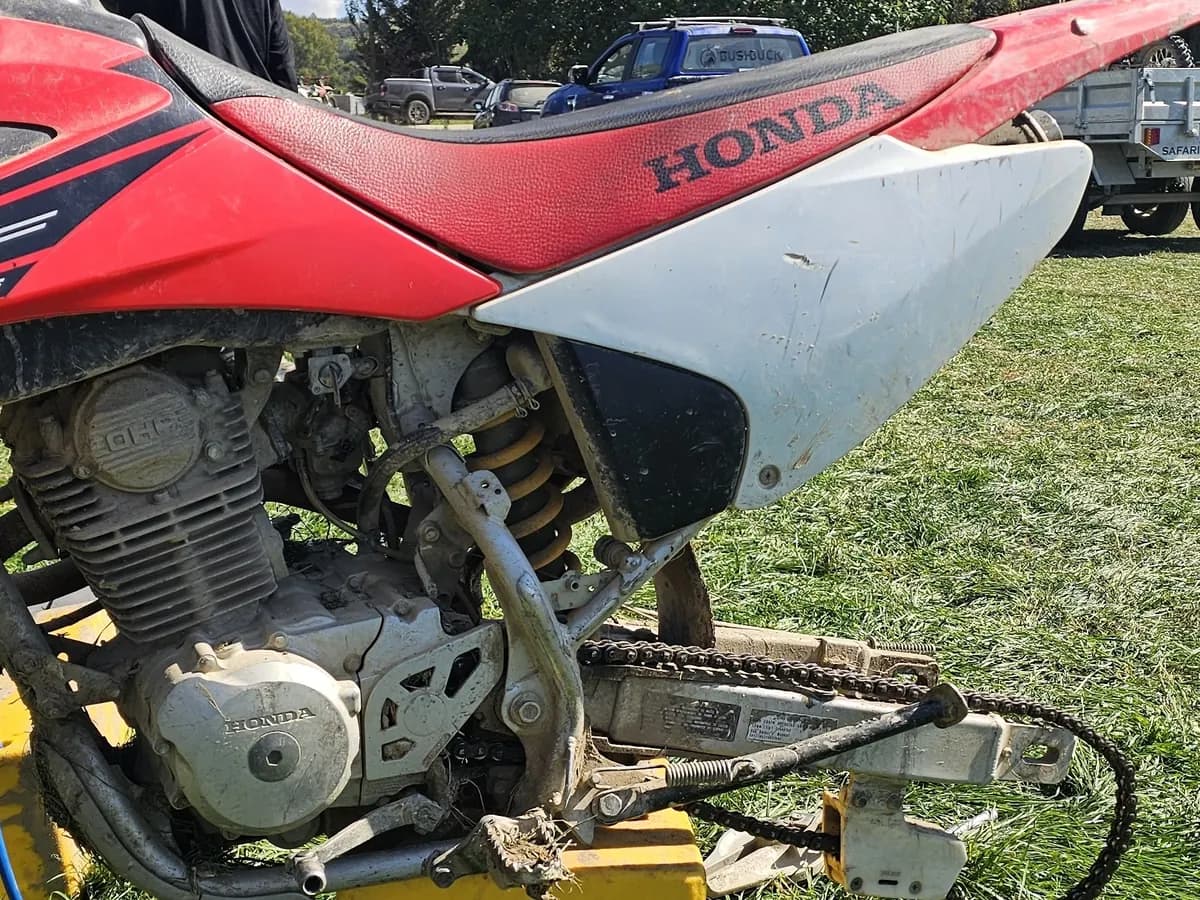
A service history and reminders for every road bike, dirt bike and quad you look after.
Built with the workshops that use it
Hoist is made by a small team in Upper Hutt that works closely with the automotive businesses on it.
- We listen
- Ask for something and it goes on the public roadmap, where you can see what’s coming next.
- Updates every few weeks
- New features and fixes land regularly, and you never pay extra for them.
- Our own team on the phone
- Support comes from the team in Upper Hutt, not an overseas call centre.
Works with what you already use
Hoist connects to Xero, a Verifone EFTPOS terminal and official NZ vehicle records, so nothing is keyed in twice.
See all integrationsXero
Invoices and payments land in Xero on their own. You don’t need Xero to use Hoist.
Rego lookup
Type a rego and the vehicle fills itself in from official NZ records.
Verifone EFTPOS
Take the payment on the terminal straight from the job, and the invoice marks itself paid.
Frequently asked questions
If your question isn’t here, call us on 04 242 0451.
What is Hoist?
Is Hoist built for New Zealand workshops?
How does the Xero integration work?
Can I switch from my current workshop software?
Is there a workshop app for mechanics?
How much does Hoist cost?
Try it on your own jobs
Every part of Hoist is free for 14 days, or we can show you around first.
Or call us on 04 242 0451