The workshop mechanic app for iPhone and Android
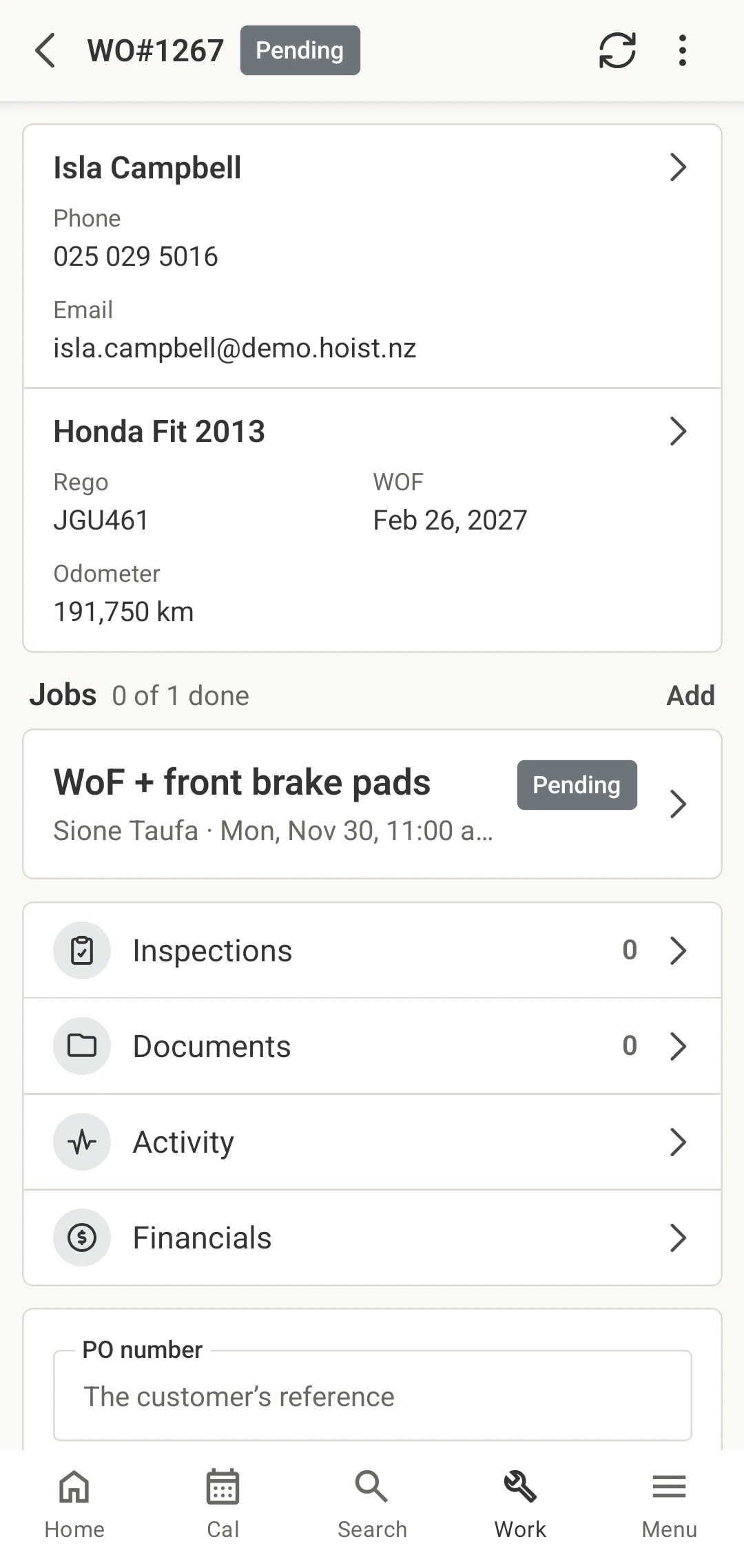
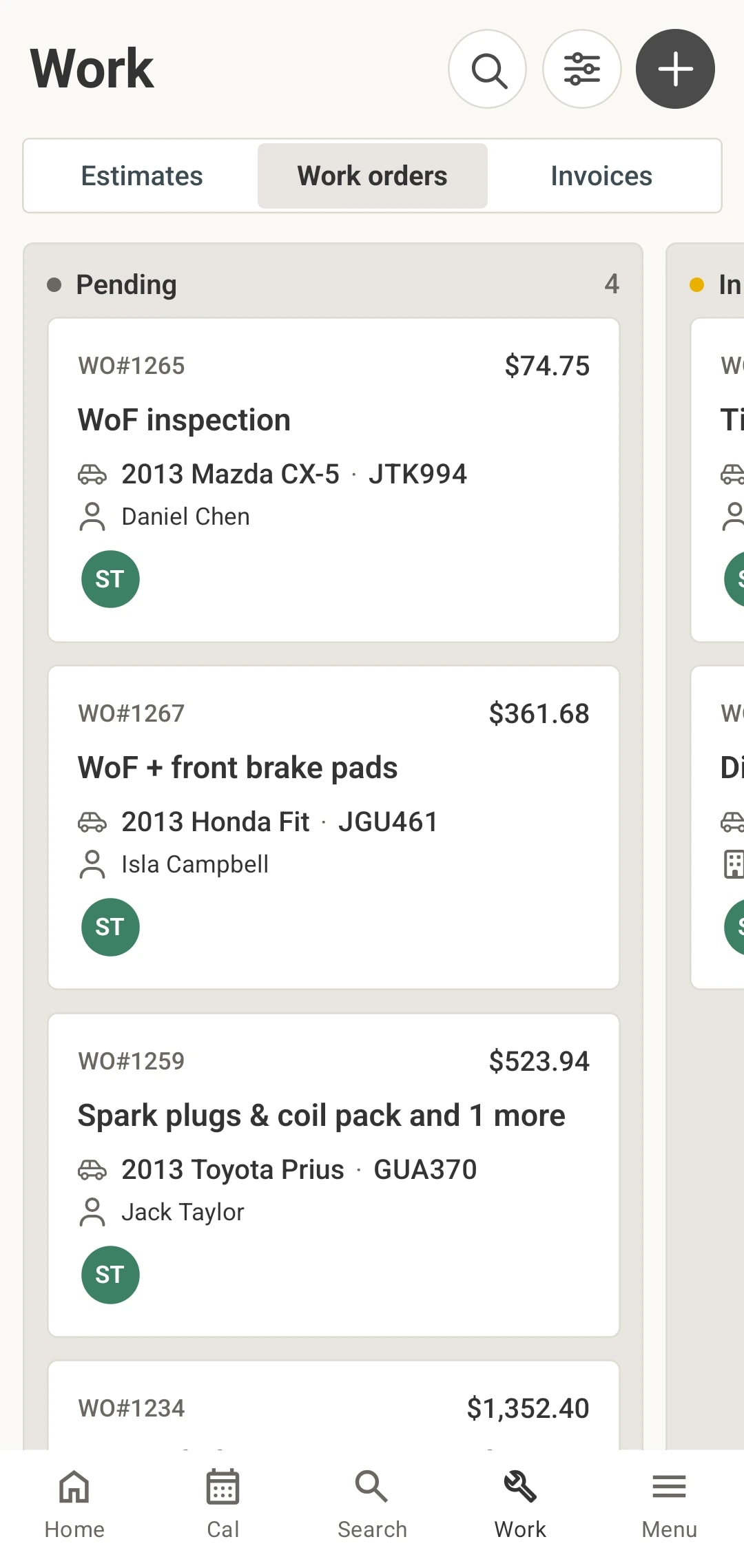
Hoist Workshop is a native mechanic app for iPhone and Android, made in New Zealand for the workshop floor. Technicians see their jobs, clock on, fill in inspections and add photos at the vehicle, and it all lands on the same job card the office works from.
When the floor can’t reach the system
The walk back to the office
Every note, photo and reading means a trip to the front desk PC. Most never make the trip, and the job card ends up thinner than the work.
Hours guessed on Friday
If clocking on means finding a computer, time gets filled in from memory at the end of the week, and the job that ran over never shows it.
Photos stuck on personal phones
The photo of the cracked rotor is on a technician’s camera roll, not on the job the customer is ringing about.
What technicians do in the app
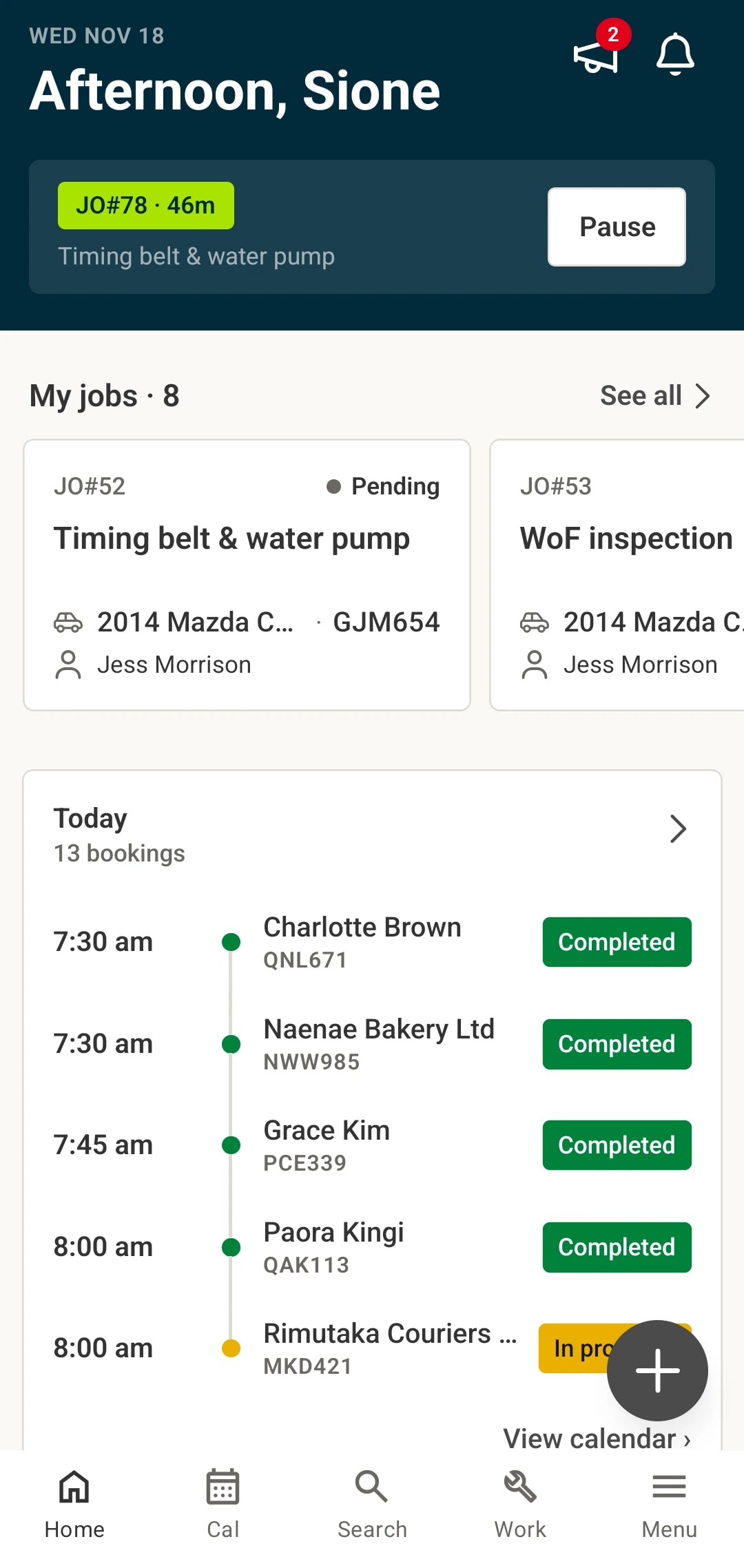
Their jobs, first thing. Home shows the job on the clock, the jobs assigned to them and today’s bookings, with a push notification when something changes.
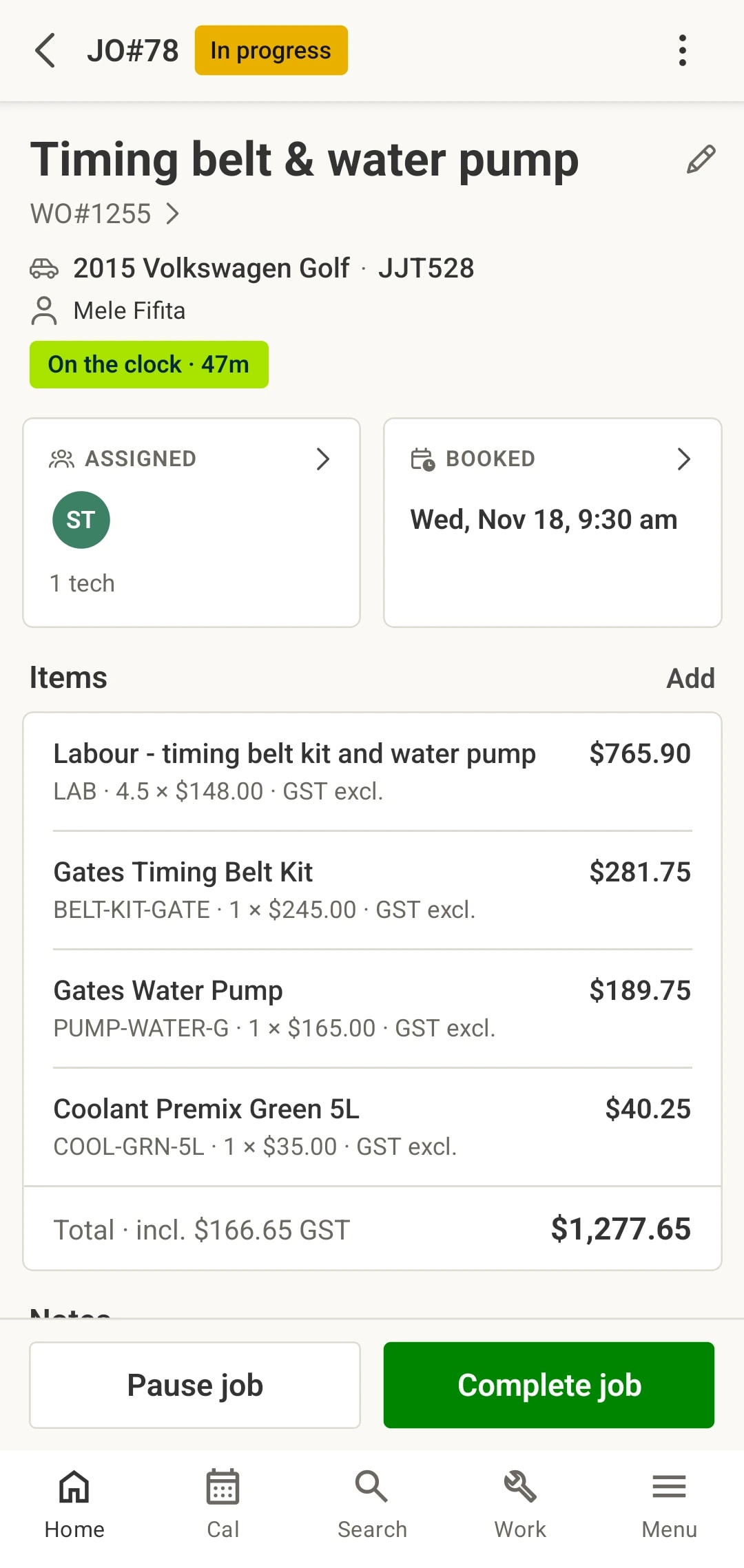
Clock on with one tap. Start, pause and complete a job from the phone. The hours land on the job and the timesheet, and the job’s status moves with them.
Inspections and photos at the vehicle. Fill in inspections check by check with photos where they help, add parts and labour, and send extra work to the customer for approval.
Scan bills and barcodes. Scan a supplier bill with the camera, scan part barcodes, and count stock for a stocktake at the shelf.
What you get
- Native app for iPhone and Android, called Hoist Workshop
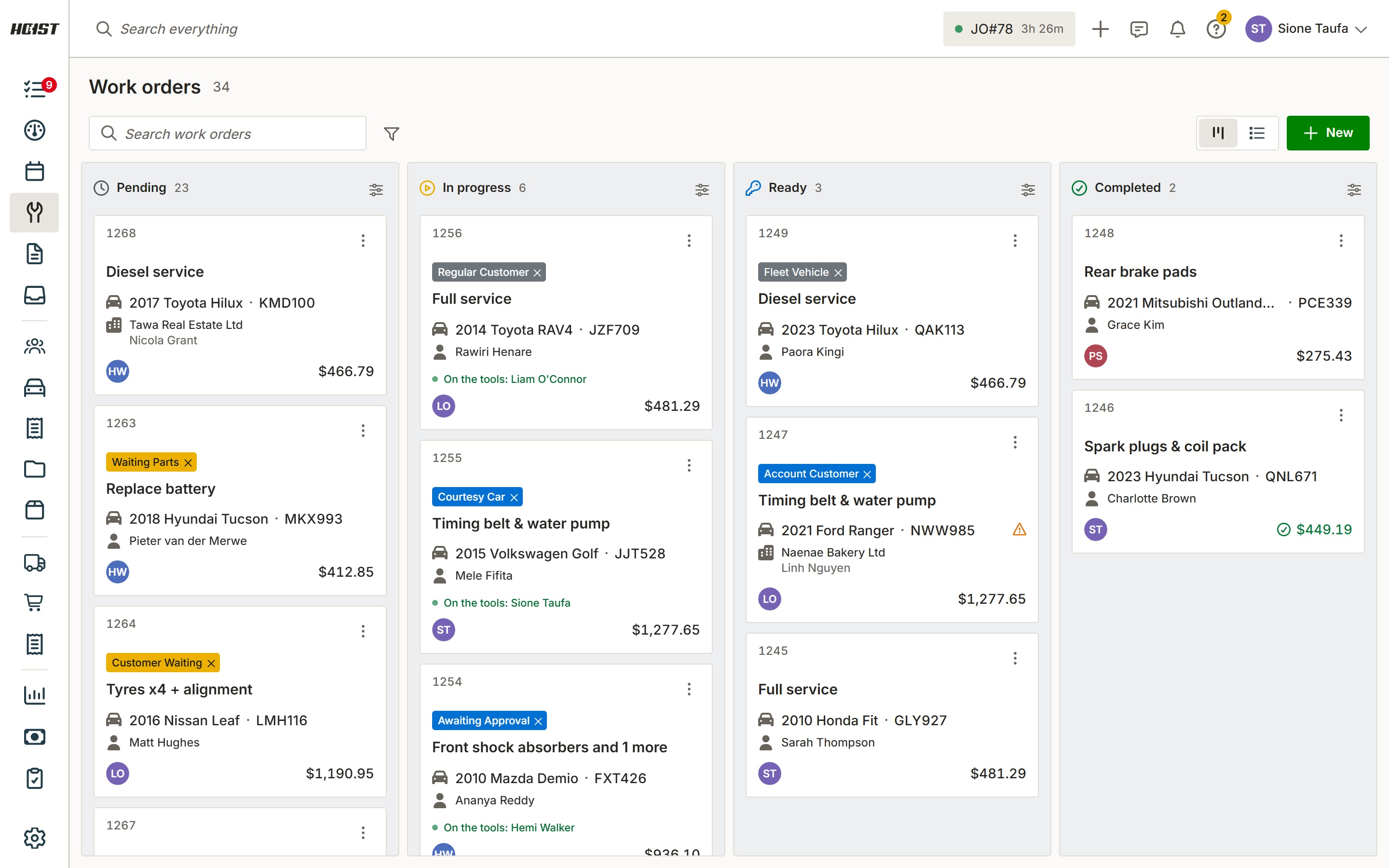
- Work orders, estimates and invoices on the phone
- Clock on, pause and complete jobs, with your own timesheet
- Inspections with photos on any check
- Customer texts in the Messages inbox
- Calendar, bookings, customers and vehicles
- Supplier bill and barcode scanning
- Location sharing and trips, only if you switch them on
Common questions
Is there a mechanic app for NZ workshops?
Is it a real app or a website?
What can technicians do in the app?
Can I control what each technician sees?
Does the app cost extra?
Try it on your own jobs
Every part of Hoist is free for 14 days, or we can show you around first.
Or call us on 04 242 0451