The workshop booking system that replaces the paper diary
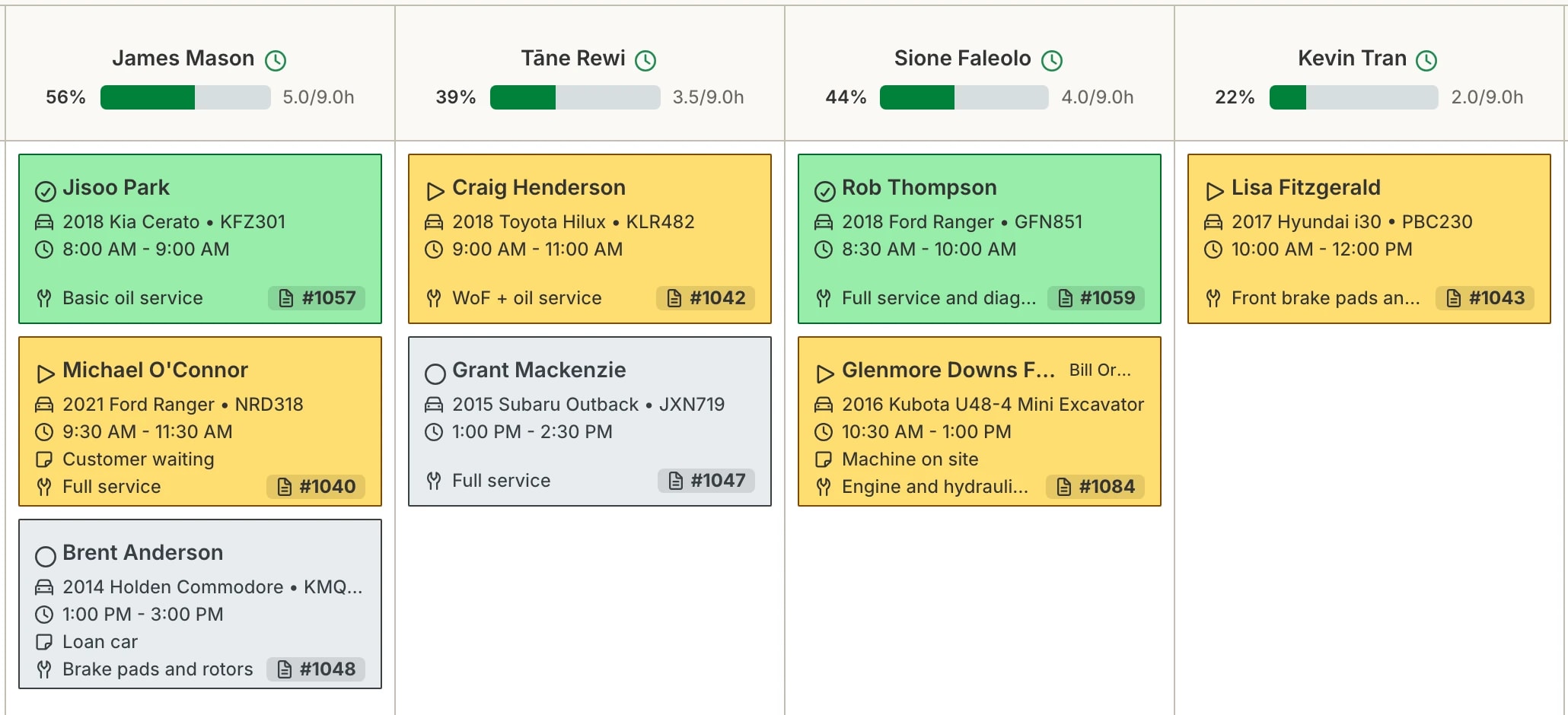
Hoist’s booking calendar is built around how a workshop actually runs: bays, technicians, and jobs that move. Type a rego and the details fill in, or enter a VIN or chassis number for anything without one, and the booking is on the floor’s screen while you’re still on the phone.
Where the paper diary falls over
One diary, one desk
A paper diary lives at the front counter. The floor can’t see it, whoever answers the phone owns it, and when it’s wrong, everyone finds out at 7:30am on Monday.
Double bookings and dead bays
Without a view of bays and technicians, days end up overbooked in one bay and empty in another. Capacity you’ve already paid for goes unused.
Every booking is re-typed
Name, rego, make, model, phone number - written in the diary, then typed again on the job card, then again on the invoice. Three chances to get it wrong.
How booking works in Hoist
A calendar of bays and technicians. See every bay and every tech’s day at a glance. The calendar is built for workshop capacity, not adapted from a hair salon’s.
Plate-to-vehicle autofill. Type the rego and the vehicle’s details fill in automatically. Anything without a plate - trailers, machinery, boats - takes a VIN or chassis number instead. New customers take seconds to book, and the details are right the first time.
Drag jobs to balance the day. Move jobs across bays and technicians with drag-and-drop as the day changes - because it always changes.
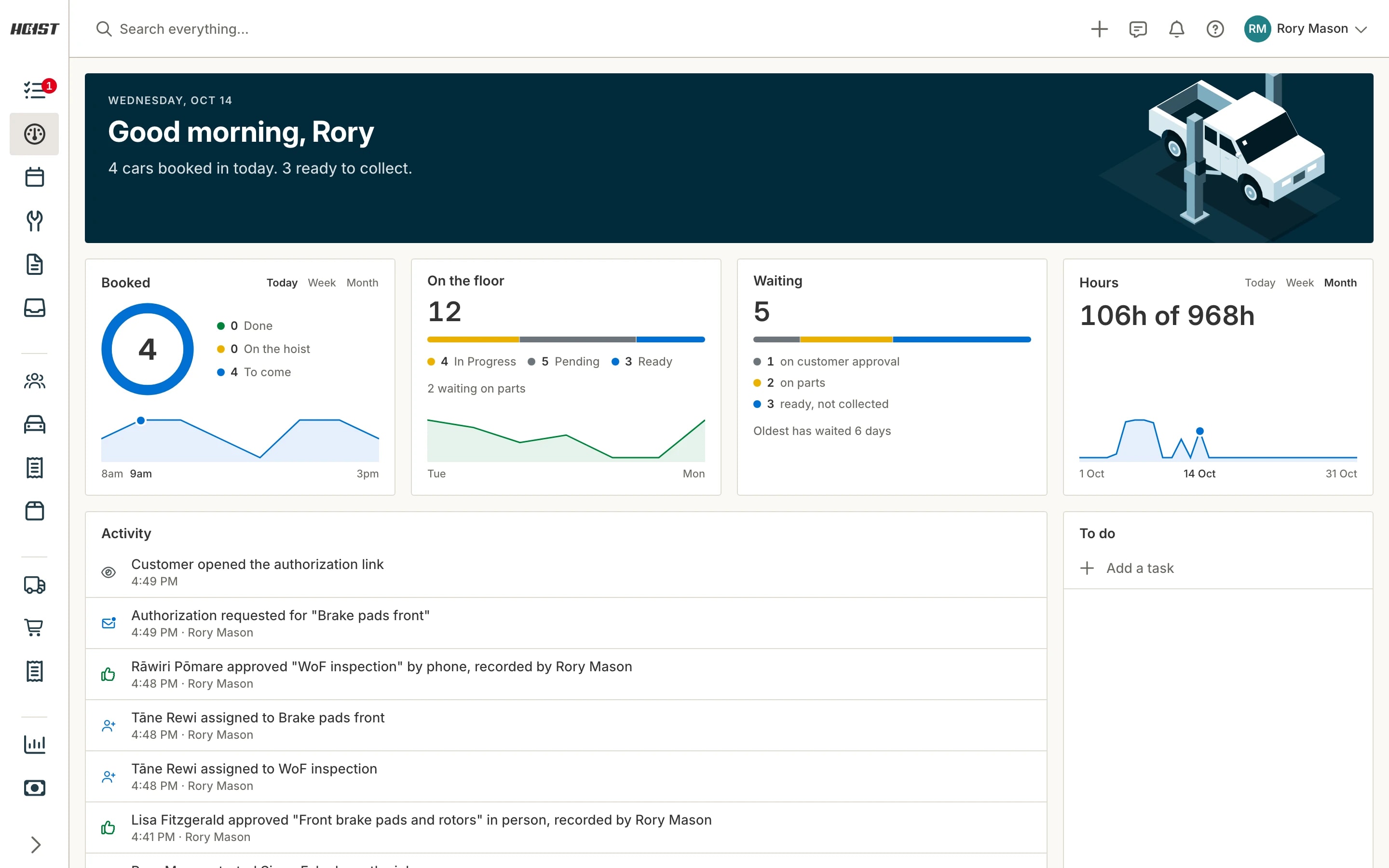
The whole team sees it instantly. The moment a booking lands, it’s on every screen in the workshop. No relaying, no surprises, no "nobody told me about the Hilux".
What you get
- Visual calendar of every bay and technician
- Drag-and-drop rescheduling as the day moves
- Rego autofill - no re-typing vehicle details
- Bookings flow straight into job cards - entered once
- Whole team sees the day in real time, from any device
- Track technician workloads and keep bays full
Common questions
Can I organise the calendar by bays and technicians?
Do bookings carry through to the job card?
Can the team see the diary from the workshop floor?
What happens to my bookings if I’m coming from a paper diary?
Try it on your own jobs
Every part of Hoist is free for 14 days, or we can show you around first.
Or call us on 04 242 0451