Tyre shop software that keeps up with the counter
Quick job cards, stock on every tyre you carry, and payment before the customer drives off, in one system that also runs your callouts.

“For a busy tyre business like ours, Hoist has been a game changer.”
 RachaelKeen As Tyres, Timaru
A job card in seconds
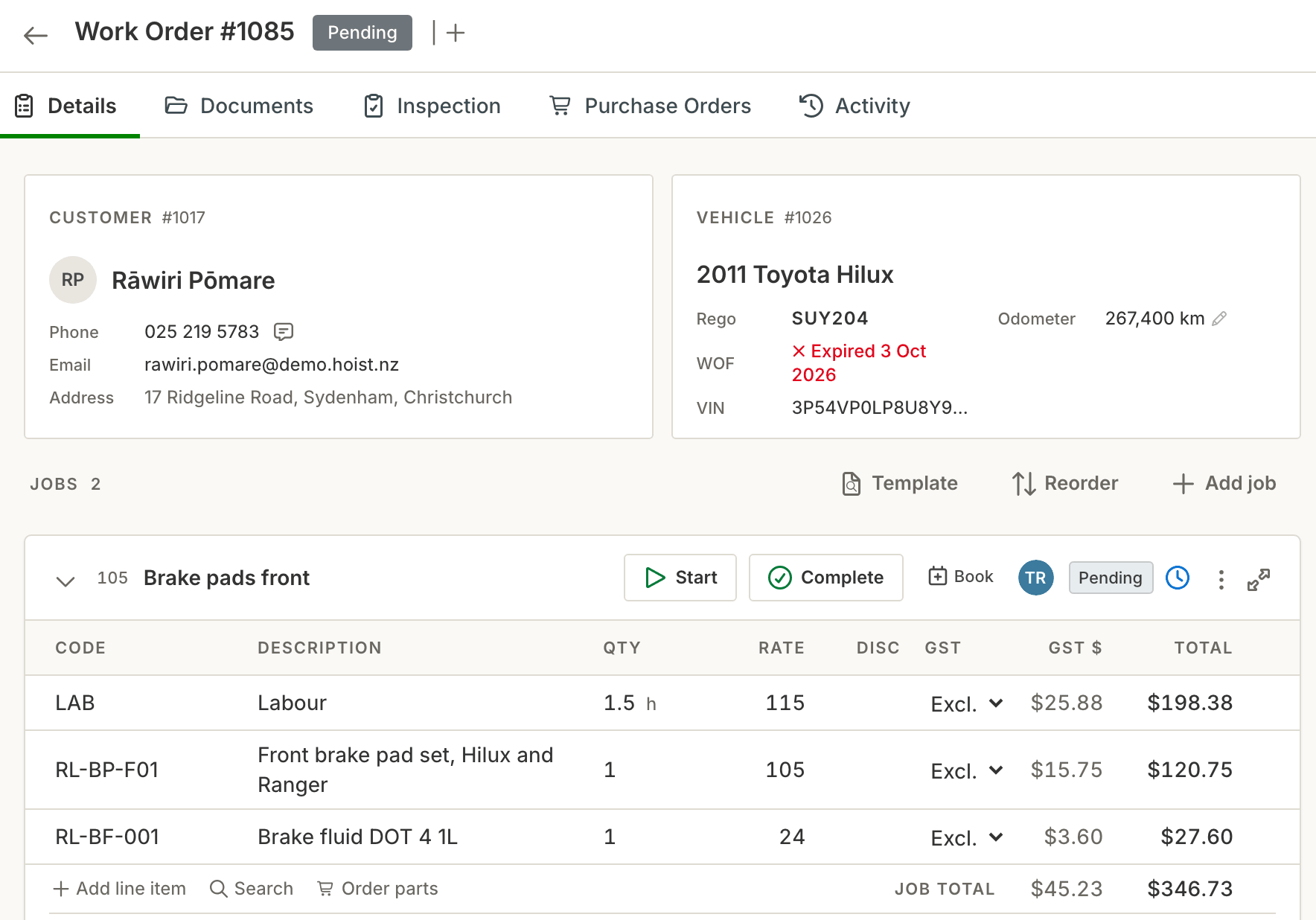
Type the rego, pick a template and add the tyres. The customer, the vehicle and the price are on one card.
Job templates. Build a template for the jobs you do every day, like a fit and balance, and start from it.
Rego lookup. Type the plate and Hoist fills in the make, model and VIN.
Photos and notes. Add photos and notes to the job, like a damaged sidewall, so it is on record.
Live margin. The margin shows on every line while you quote.
Know what is on the shelf
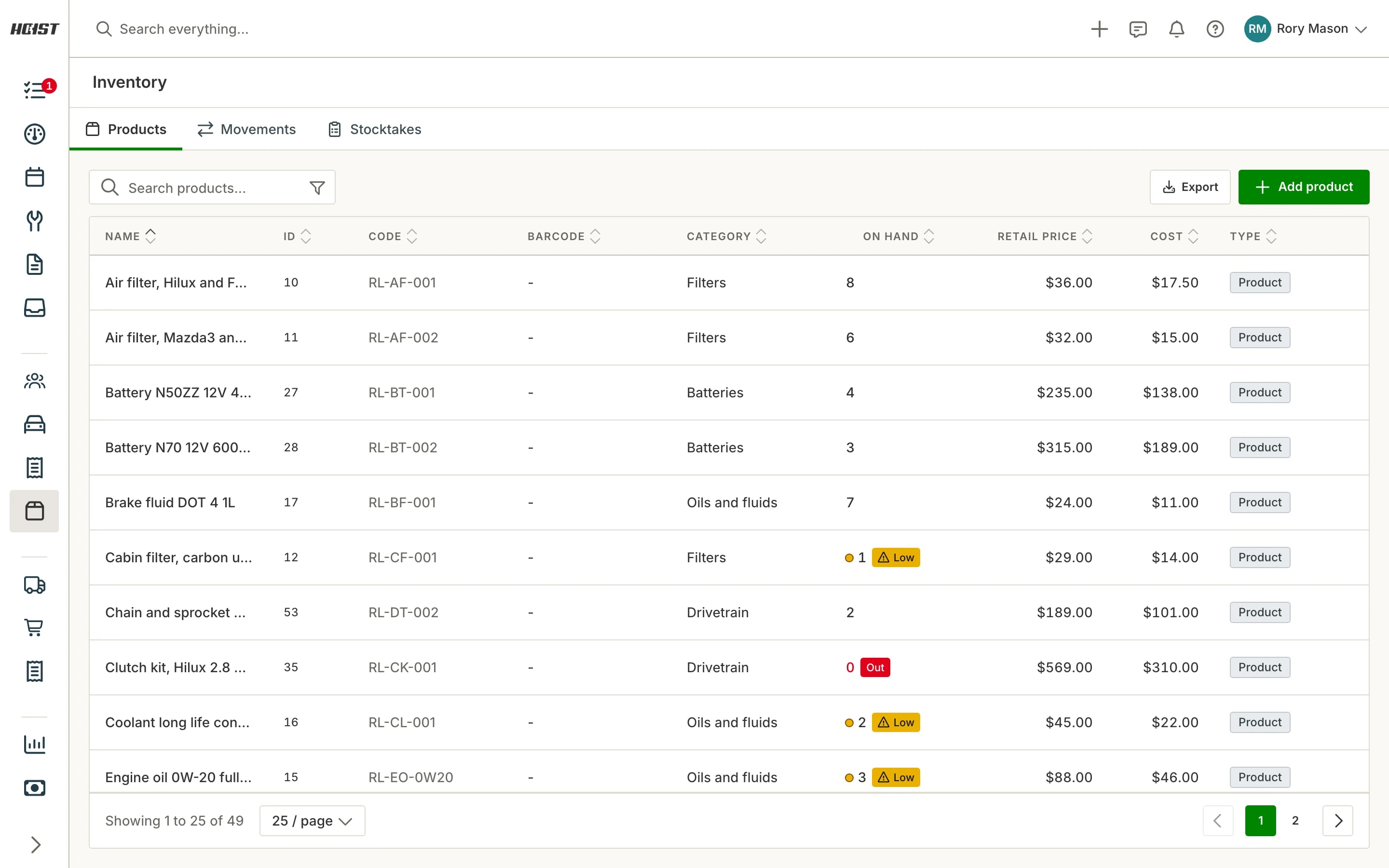
Stock comes off the shelf as it goes onto a job, so the count is right when a customer rings.
Stock moves on its own. Stock is reserved, deducted and reversed automatically as a job changes.
Low-stock flags. Hoist flags what is low or out, and can draft a purchase order from it.
More than one supplier. Keep several suppliers on a product and mark a preferred one.
Stocktake. Count on a screen, or print a count sheet, and see what moved and when.
Paid before they drive off
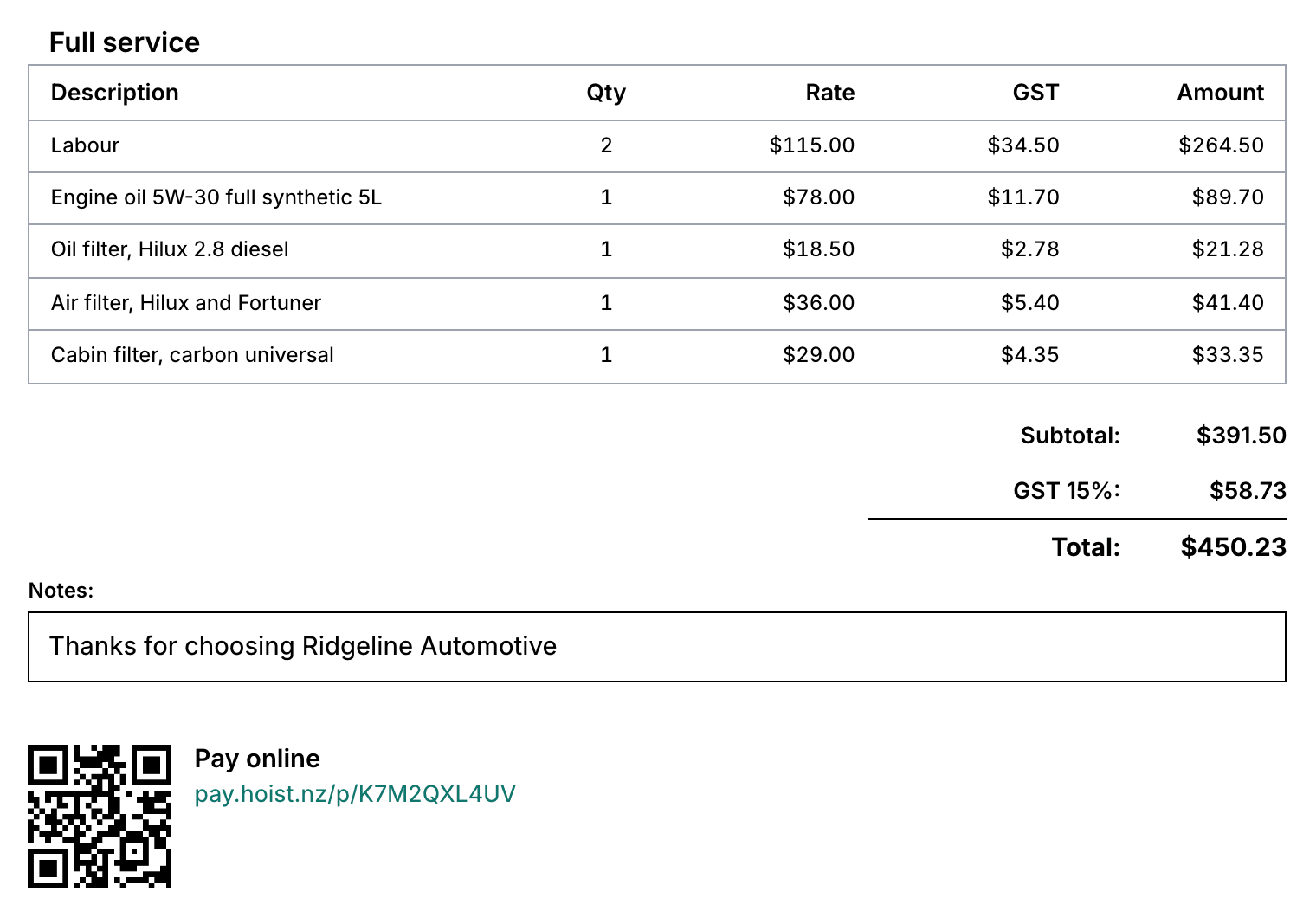
Take payment at the counter, or send a link, straight from the job.
EFTPOS at the counter. Take the payment on a Verifone terminal straight from the job, and the invoice marks itself paid.
Pay by link or QR. Send a pay link by text or email, or let the customer scan the QR code on the invoice.
Account and fleet customers. Payment terms and statements for the businesses you bill monthly, with a fleet pricing level.
Part payments. Take a deposit now and the rest later, and Hoist tracks what is owing.
In the shop and on the road
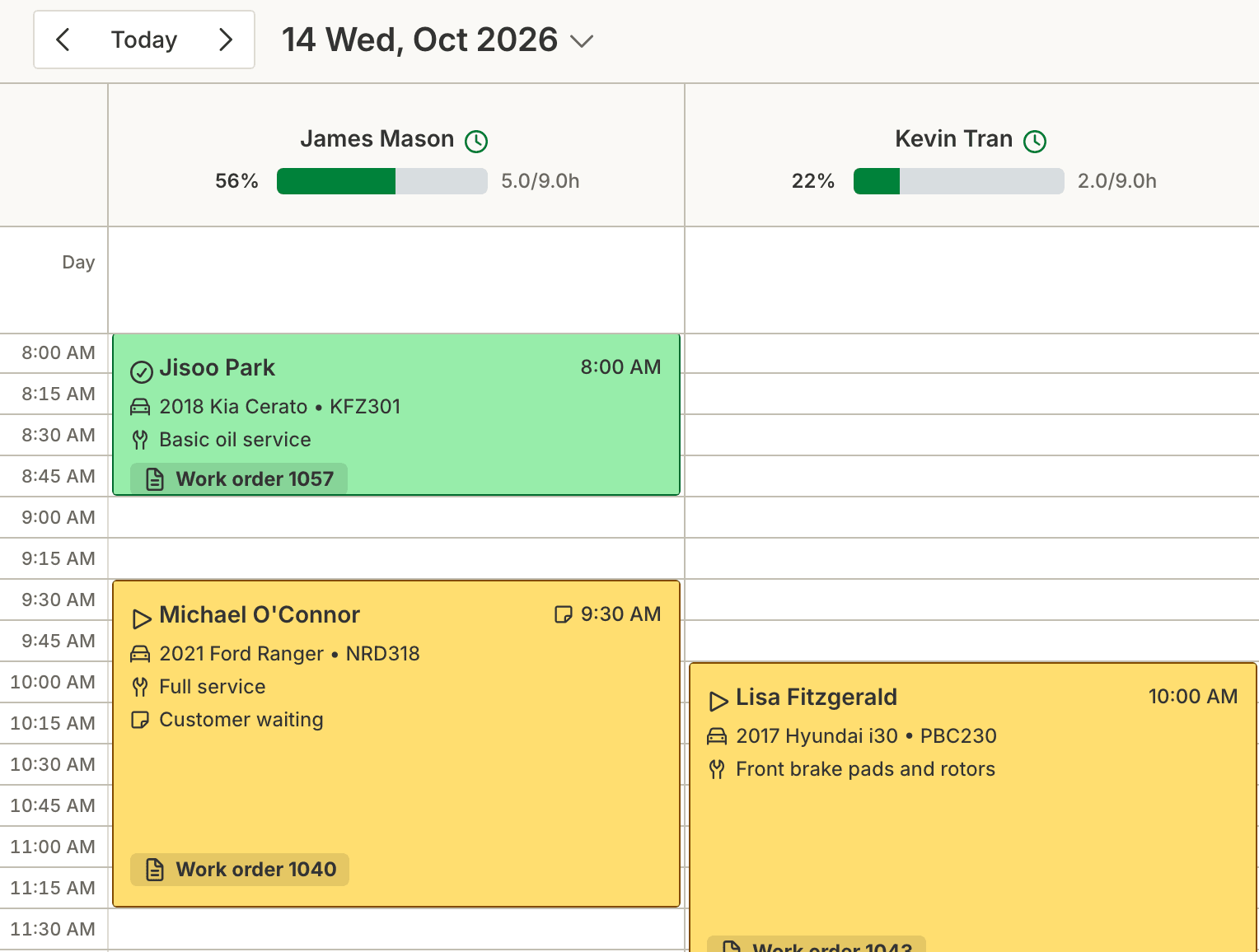
Run bookings from a diary, and run callouts from a phone or tablet at the customer’s place.
Online booking page. Customers pick a time from a link on your website.
A calendar per technician. See who is free at a glance, and drag a booking to move it.
The Hoist mobile app. On iOS and Android, and Hoist also works in any phone or tablet browser.
Invoice before you leave. Add the job and photos at the vehicle, then invoice and take payment on the spot.
Common questions
What tyre shops ask before they start.
Can I track tyre stock in Hoist?
Can I take payment at the counter?
Can I run mobile tyre callouts from a phone?
Does Hoist handle fleet and account customers?
Can I look a vehicle up by rego?
Built for every kind of automotive business
Whatever comes through the door, the vehicle, the job and the invoice work the same way.
Workshops
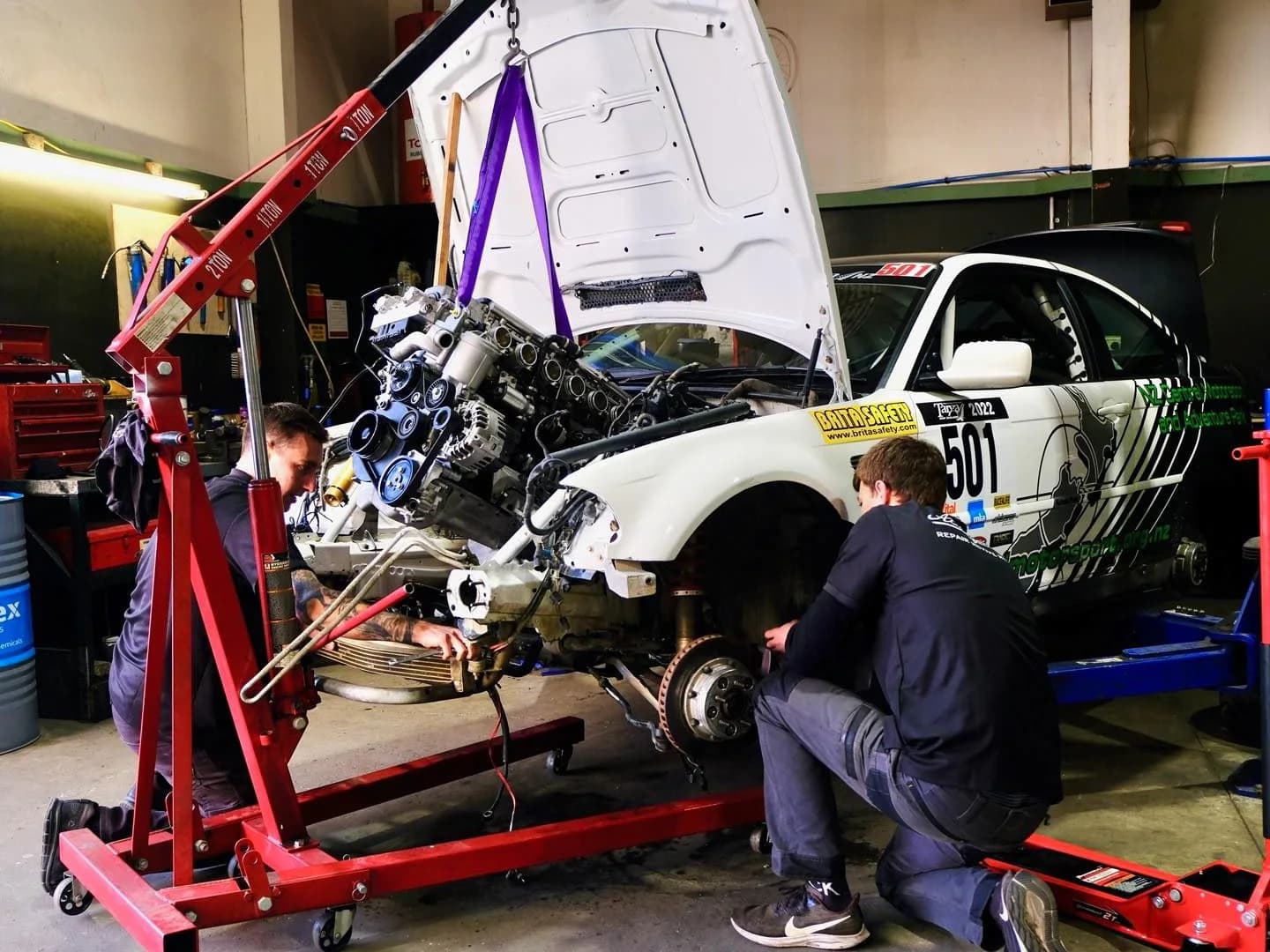
Job cards, bookings, invoicing and reminders for servicing, repairs and WoFs.
Truck and fleet
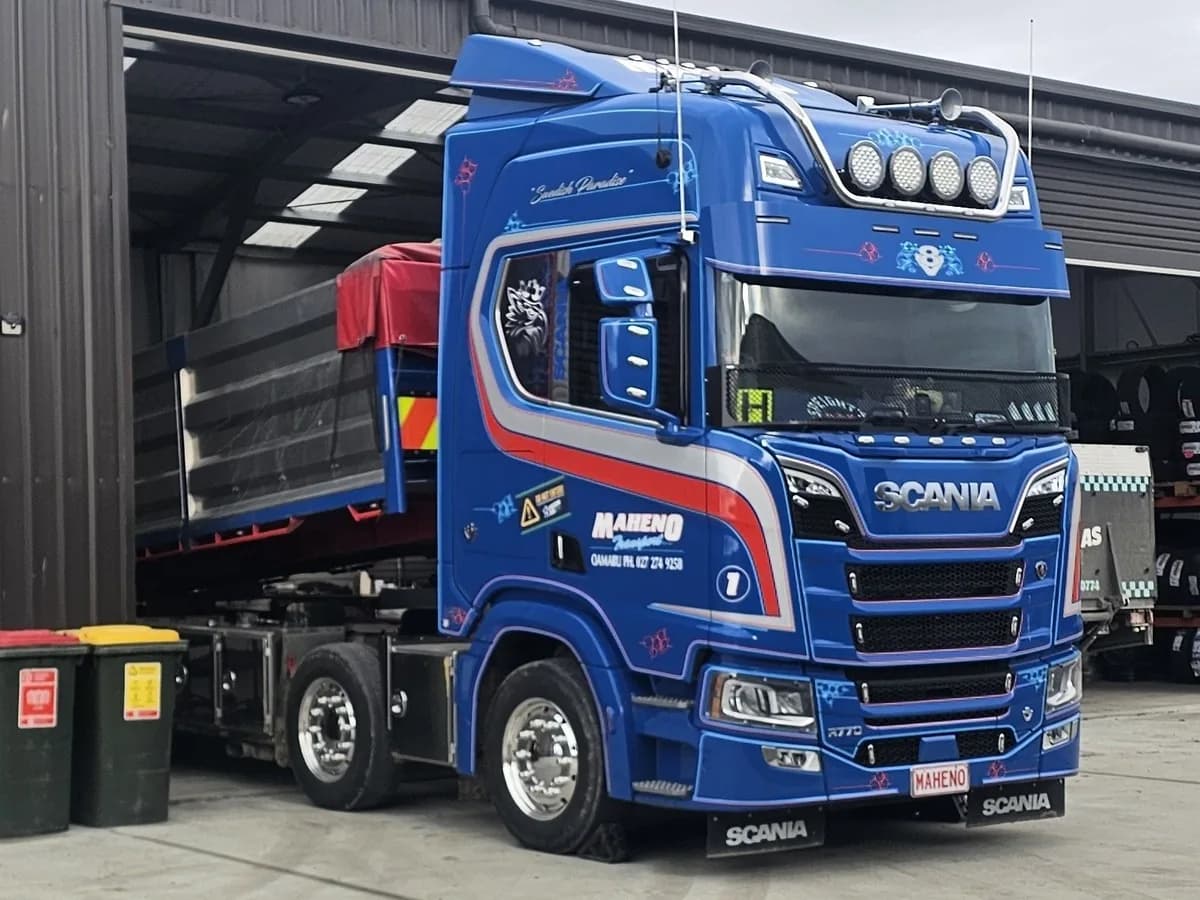
CoF reminders for every vehicle, readings in kilometres, hubodometer or hours, and account billing for fleet customers.

Mobile mechanics
Add the job and photos, then invoice and take payment from a phone or tablet at the customer’s place.

Machinery and ag
Record tractors, diggers and plant by VIN or chassis number, and track hours, kilometres or miles for each.

Motorcycles
A service history and reminders for every road bike, dirt bike and quad you look after.
Try it on your own jobs
Every part of Hoist is free for 14 days, or we can show you around first.
Or call us on 04 242 0451