Software for truck and fleet workshops
Keep every vehicle’s CoF date, readings and history in one place, and bill your account customers without the paperwork.
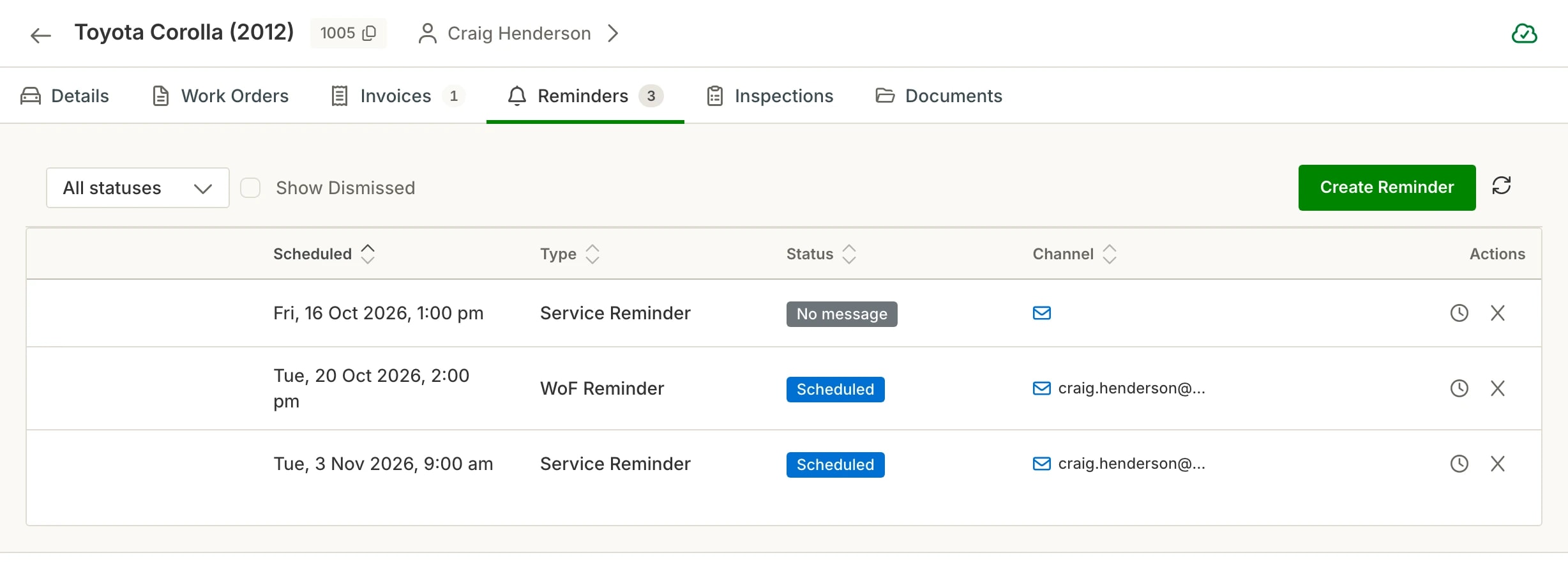
Every vehicle’s compliance in one place
Hoist keeps the WoF or CoF date on each vehicle and sends the reminder for you.
WoF and CoF dates per vehicle. The date sits on the vehicle, so you can see what is coming up.
Reminders on their own. CoF and WoF reminders go out by text or email without anyone running through a list.
Service reminders. Set the date when the job is done and the reminder goes out when it comes round.
Every visit on the file. Past jobs, invoices and reminders all sit on the vehicle’s record.
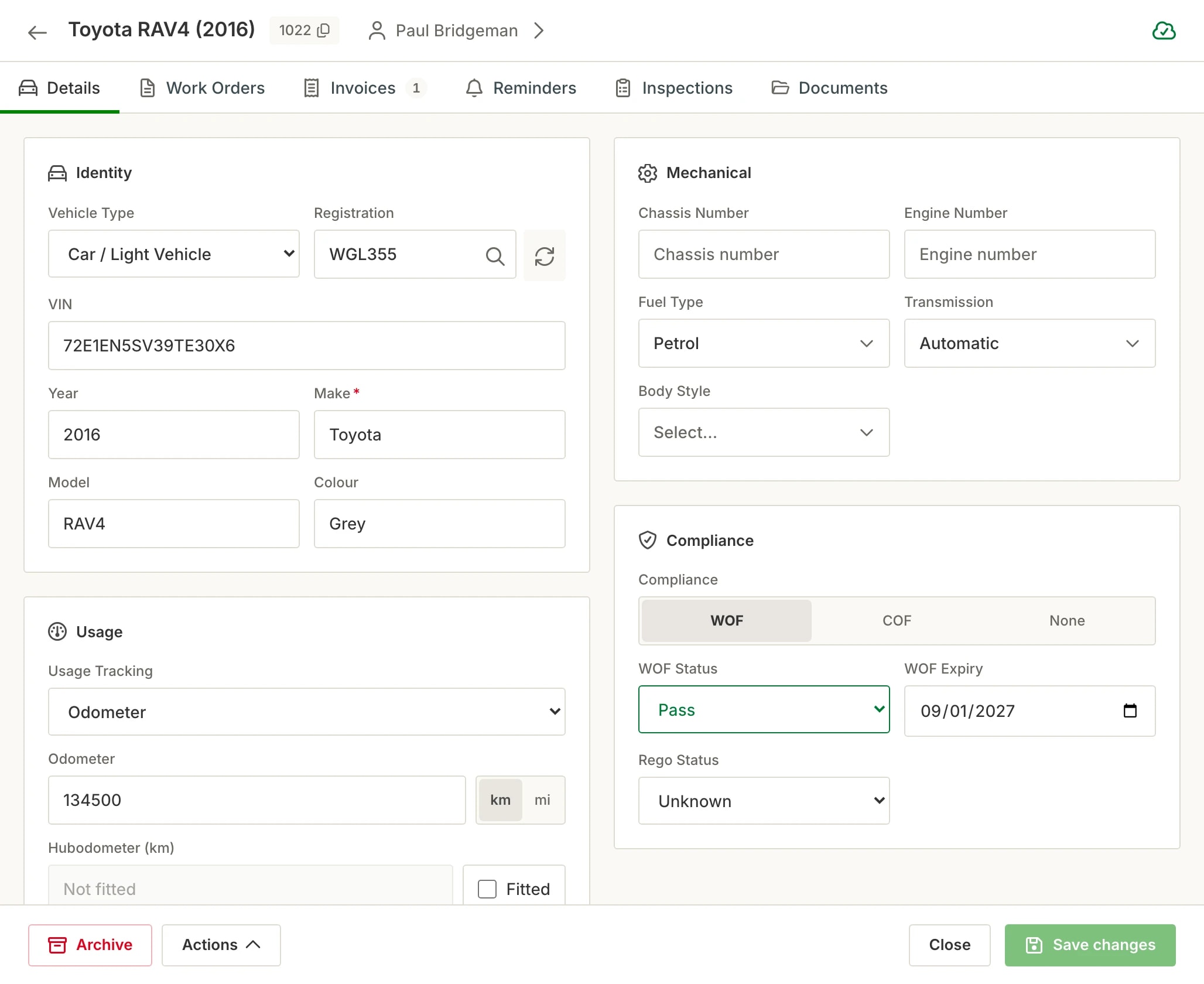
Readings that suit the vehicle
Trucks run on kilometres, hubodometers or engine hours, and Hoist records whichever suits the vehicle.
Odometer, hubodometer or hours. Record the reading when a vehicle comes in, per vehicle.
VIN or chassis number. Trucks, trailers and anything without a plate can be entered by VIN or chassis number.
Digital inspections. Use your own inspection templates, with photos, on the vehicle.
Photos and notes. Keep photos and notes on the job so the next tech sees what was found.
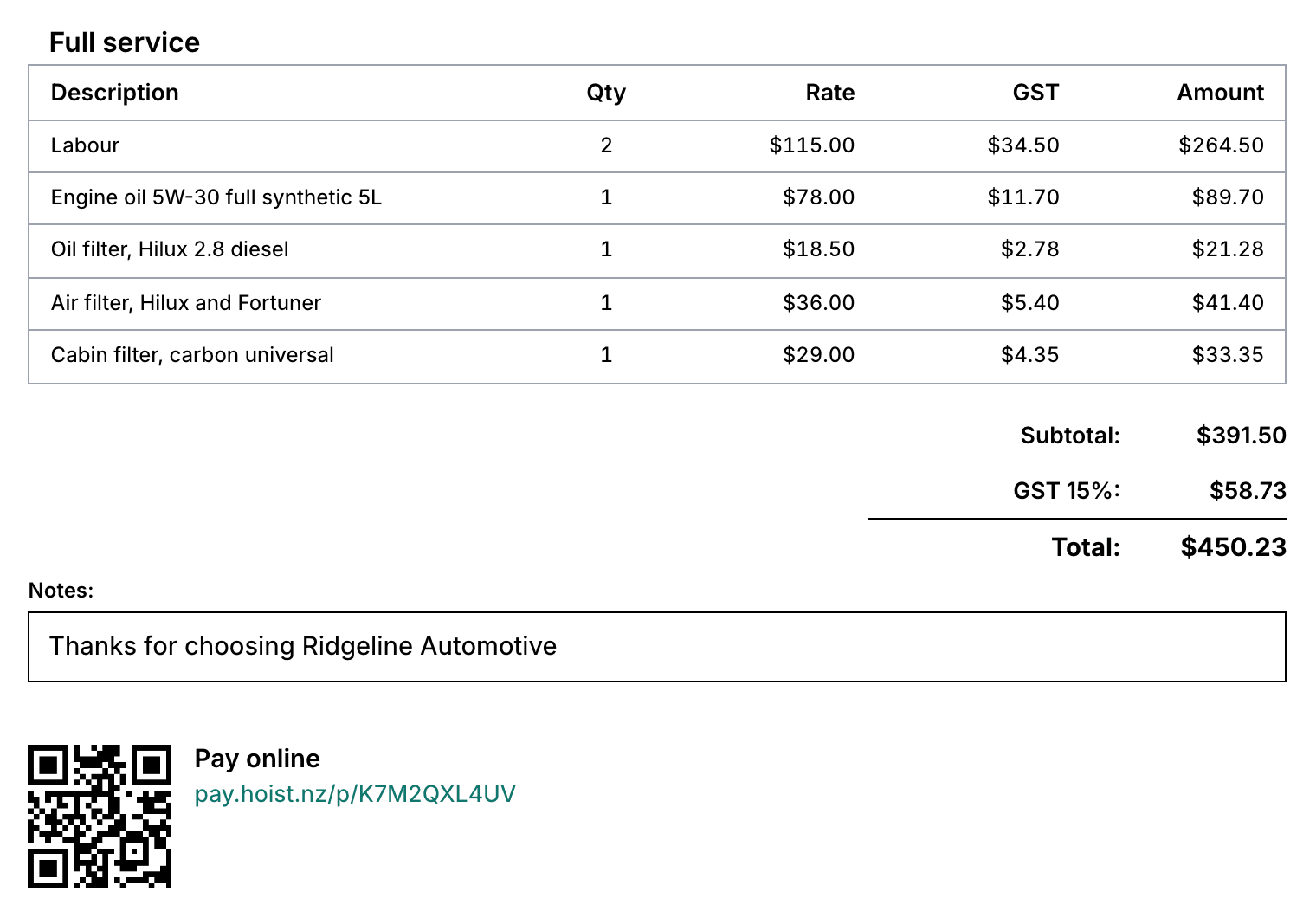
Billed the way fleets expect
Account customers get terms and statements, not a payment at the counter.
Payment terms and statements. Payment terms and statements for your account customers.
A fleet pricing level. Keep a fleet price level beside retail, trade and wholesale.
One payment, several invoices. When a customer pays for a few jobs at once, clear them all in one go.
Two-way Xero sync. Invoices and payments flow between Hoist and Xero.
Know what the floor is doing
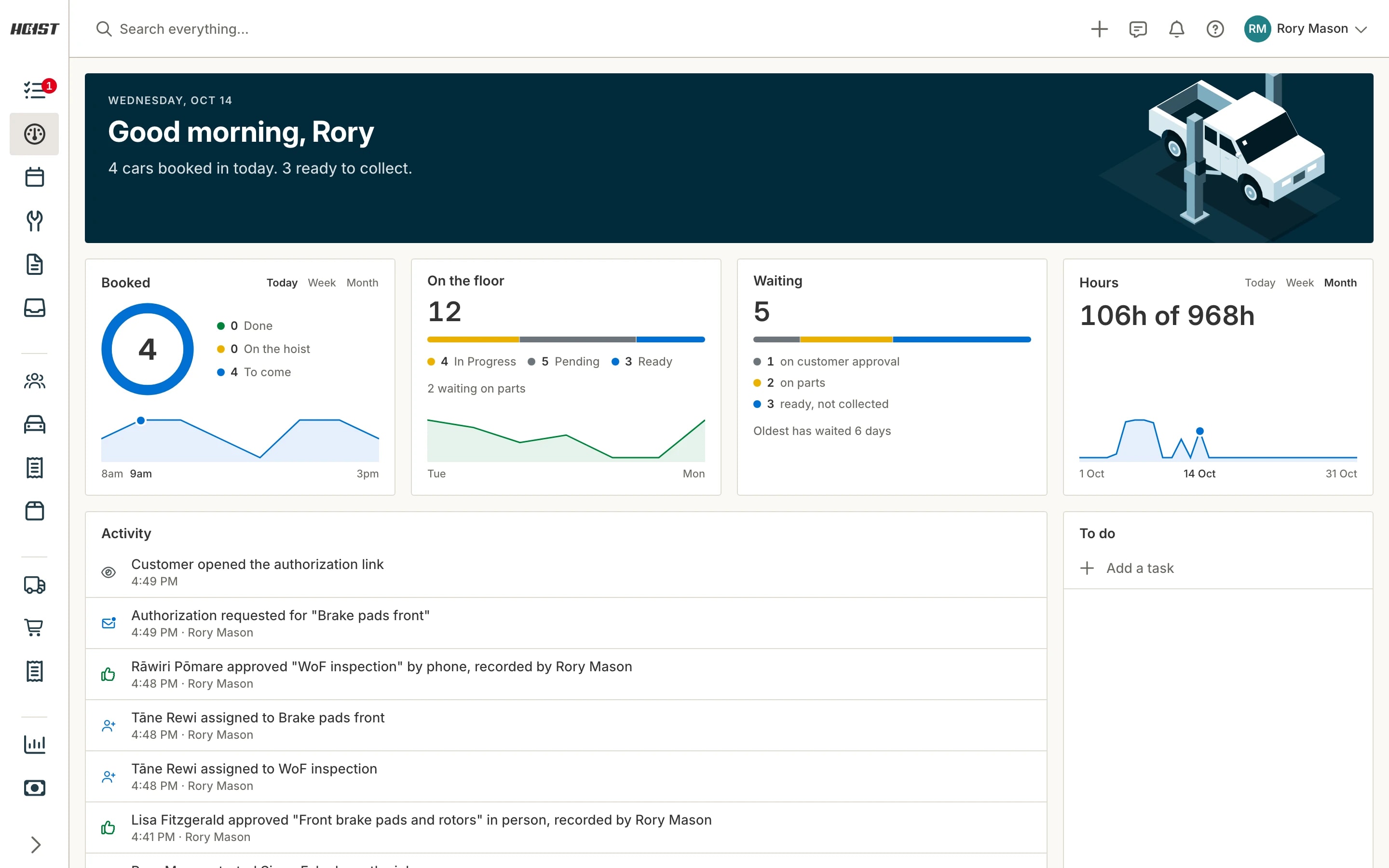
See who is on which job, the hours booked and what is due in today.
Clock on, and the job moves. The job status changes as a technician clocks on and off.
Timesheets. Hours are approved by a manager and exported to payroll.
Roles and permissions. Choose what each member of the team can see and do.
Reports. Sales, payments, receivables, stock and team hours.
Common questions
What truck and fleet ask before they start.
Does Hoist track CoF dates?
Can I record engine hours or hubodometer readings instead of kilometres?
Can I bill account customers monthly?
Does Hoist work with Xero?
Can I enter a truck or trailer without a plate?
Built for every kind of automotive business
Whatever comes through the door, the vehicle, the job and the invoice work the same way.
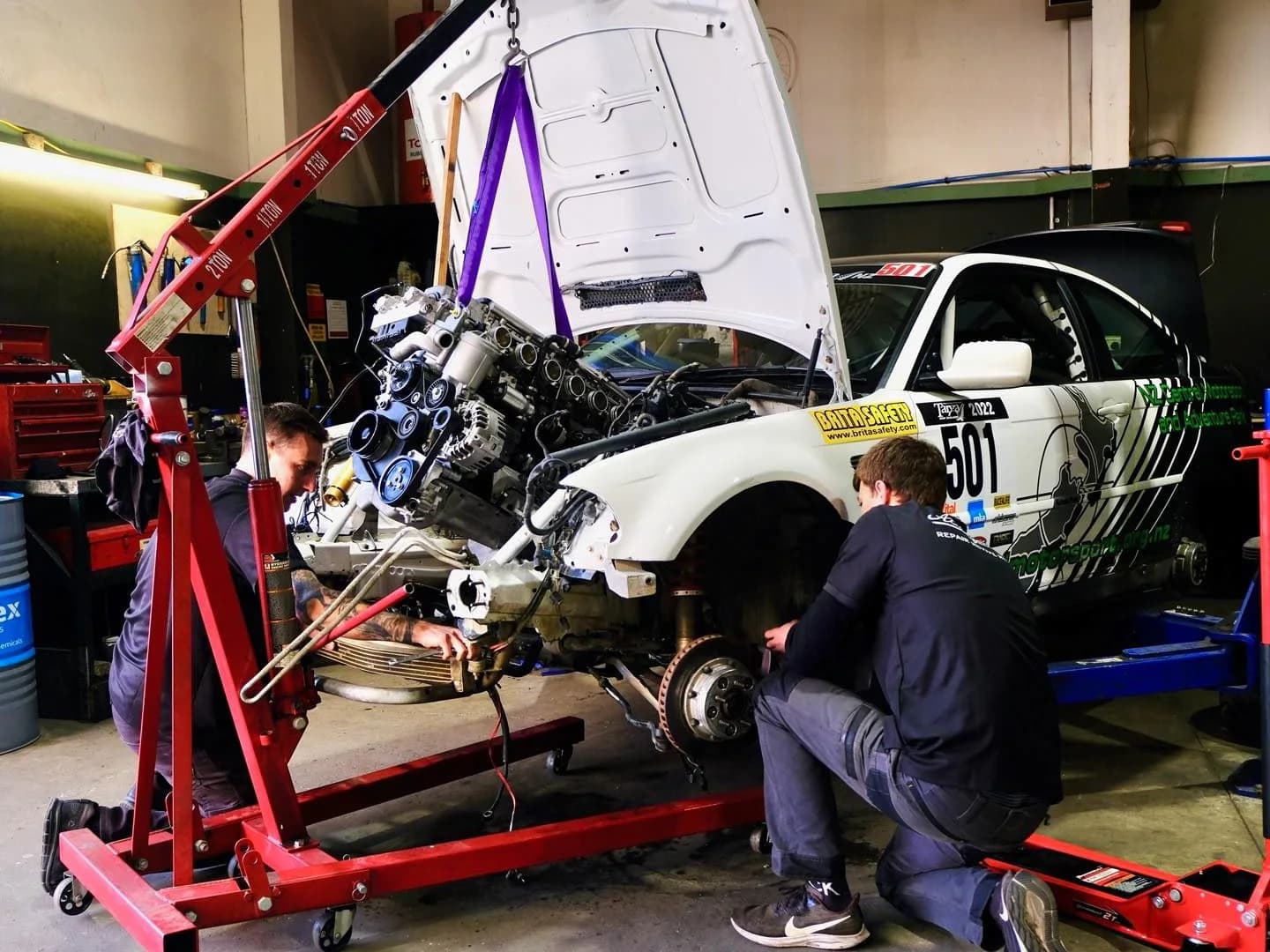
Workshops
Job cards, bookings, invoicing and reminders for servicing, repairs and WoFs.

Tyre shops
Job cards in seconds at the counter, tyre stock counted as it goes onto jobs, and payment taken from the job.
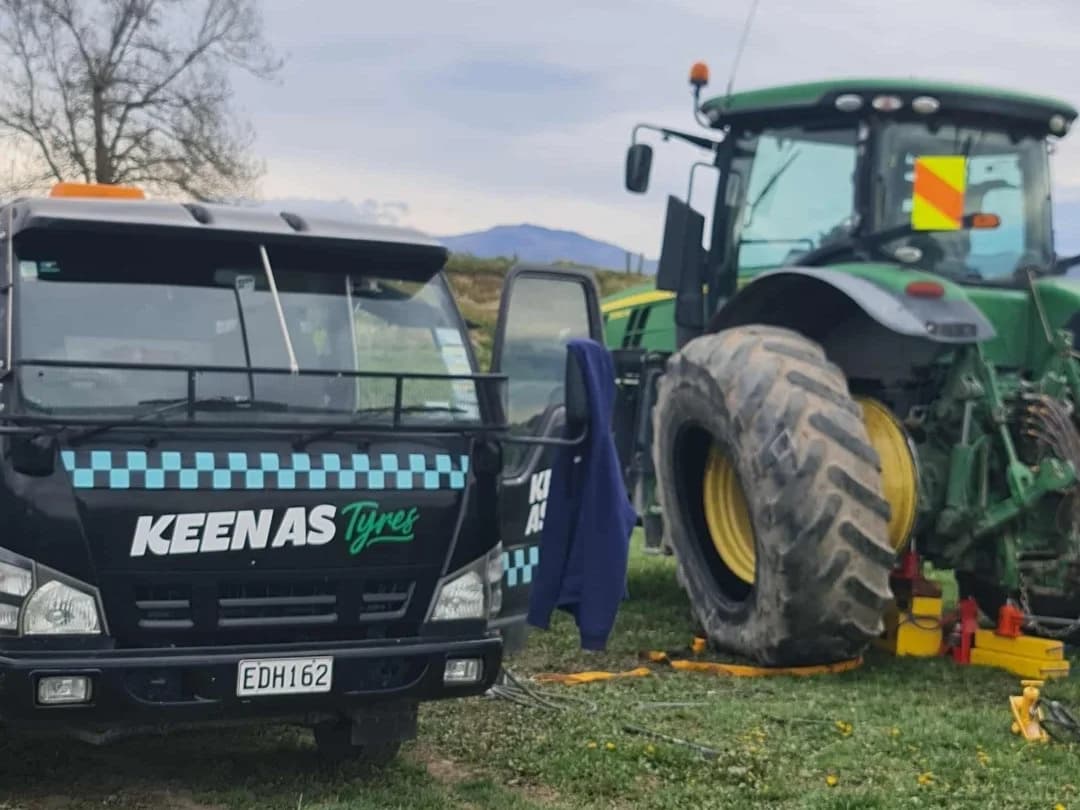
Mobile mechanics
Add the job and photos, then invoice and take payment from a phone or tablet at the customer’s place.
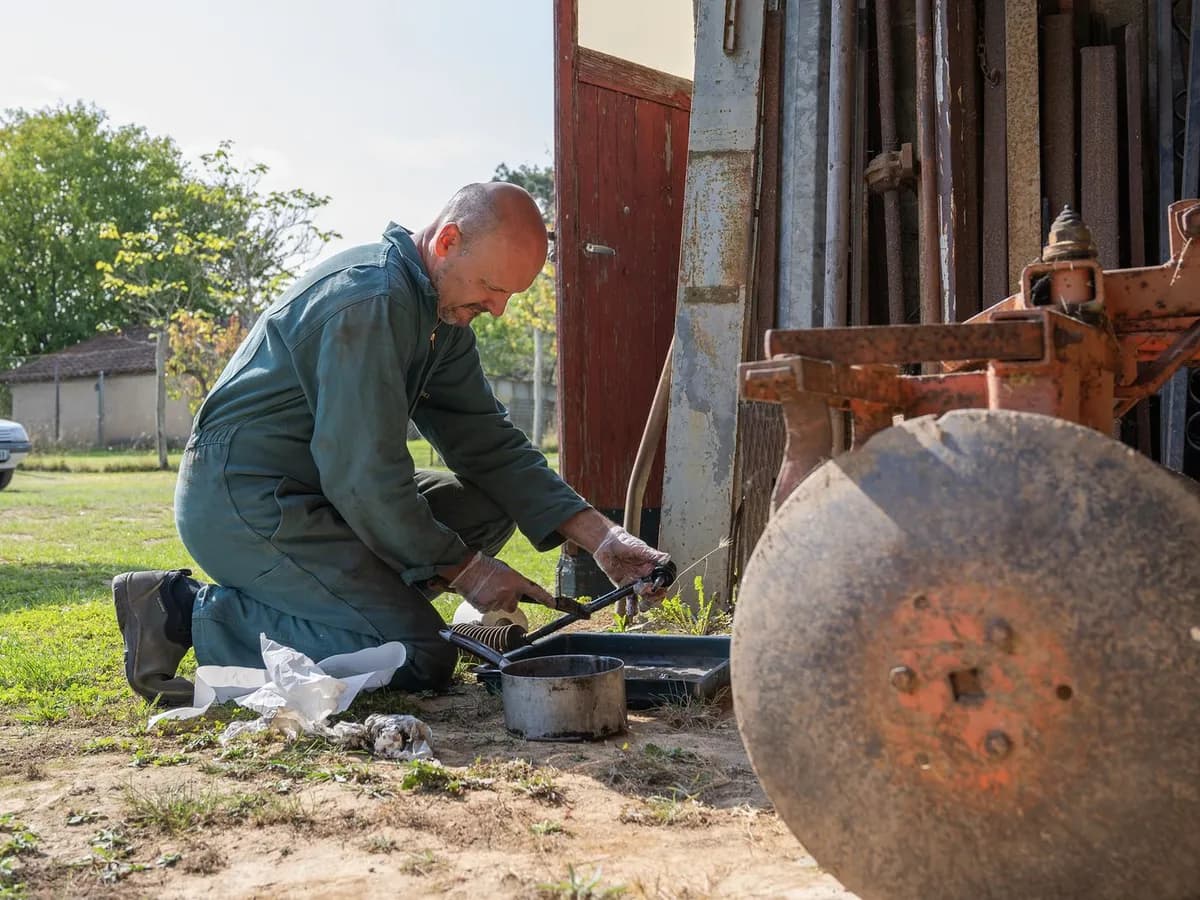
Machinery and ag
Record tractors, diggers and plant by VIN or chassis number, and track hours, kilometres or miles for each.

Motorcycles
A service history and reminders for every road bike, dirt bike and quad you look after.
Try it on your own jobs
Every part of Hoist is free for 14 days, or we can show you around first.
Or call us on 04 242 0451